


Business operations in Gujarat are evolving rapidly, and flexibility has become a key requirement for growth. Whether it’s a trader in Surat, a manufacturer in Vapi, or a service provider in Ahmedabad, staying connected to financial data is critical for making timely decisions. This is where Tally Prime on Mobile is changing how businesses operate.
Traditionally, Tally has been used on desktop systems within office environments. While this setup offers full functionality and control, it also limits access to a fixed location. In contrast, mobile access introduces convenience, allowing users to stay connected with their business anytime and from anywhere.
In this blog, we will explore the practical differences between mobile and desktop usage of Tally Prime, and more importantly, identify situations where mobile access creates the biggest impact for businesses in Gujarat.
The Traditional Strength of Tally Prime on Desktop
For decades, desktop-based accounting has been the foundation of business operations. Tally Prime on desktop is still the most powerful and complete way to manage accounts, taxation, payroll, and reporting.
It is designed for detailed work. Accountants rely on it for entering vouchers, generating GST reports, handling audits, and maintaining compliance. The speed and control offered by a desktop environment are unmatched, especially when dealing with large volumes of data.
Another major advantage is stability. Since everything is stored and operated within a local system or office network, businesses feel more secure and in control of their data. For companies in Gujarat that operate from a fixed office setup, desktop usage continues to be highly reliable.
However, the limitation becomes clear when decision-makers are not physically present in the office.
What Changes with Tally Prime on Mobile?
Mobile access introduces a completely different level of flexibility. Instead of being tied to a single system, business owners and managers can view important financial data directly from their smartphones.
This doesn’t replace the desktop—it complements it.
With mobile access, users can quickly check reports, monitor performance, and stay updated without needing to sit in front of a computer. It is especially useful for those who are constantly traveling or managing multiple locations.
Rather than handling complex accounting tasks, mobile usage focuses on visibility and control. It brings critical business information into your pocket.
Mobile vs Desktop: A Practical Comparison
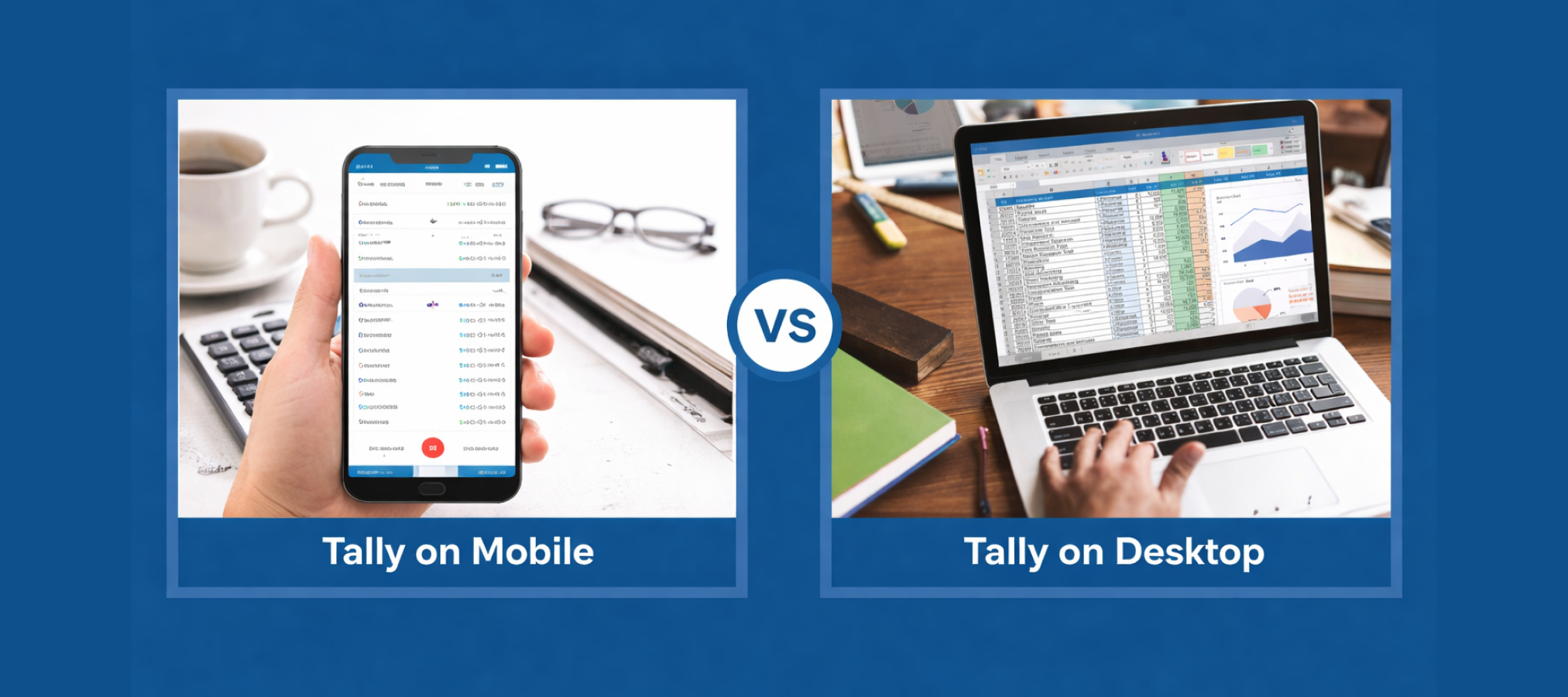
The difference between mobile and desktop is not about which one is better—it’s about how they serve different purposes.
Desktop usage is built for execution. It allows full control over accounting processes, data entry, report generation, and compliance work. On the other hand, mobile usage is built for accessibility. It helps users stay informed and make decisions without delay.
Performance is another key difference. Desktop systems are naturally faster for heavy operations because they rely on local resources. Mobile access depends on internet connectivity, which can affect speed if not properly managed.
Security also plays an important role. Desktop environments are easier to control internally, while mobile access requires proper authentication and secure connections to protect sensitive financial data.
Comparison Table: Tally Prime on Mobile vs Desktop
| Feature | Tally Prime on Desktop | Tally Prime on Mobile |
| Accessibility | Limited to office systems | Accessible from anywhere |
| Functionality | Full features and control | Limited to viewing and basic actions |
| Performance | High speed (local system) | Depends on internet speed |
| Data Entry | Best for bulk and detailed work | Not suitable for heavy data entry |
| User Experience | Designed for accountants | Simplified for quick use |
| Security | Controlled internal environment | Requires secure login and access |
| Use Case | Daily accounting operations | Monitoring and decision-making |
| Dependency | Works offline (local setup) | Requires internet connection |
When Mobile Access Makes the Biggest Difference
There are certain real-world situations where mobile access is not just helpful—it becomes essential.
Business Owners Who Are Always on the Move
In Gujarat, many business owners travel frequently between cities like Ahmedabad, Surat, Valsad, and Navsari. In such cases, being dependent on office staff for updates can slow down decision-making.
With mobile access, they can instantly check sales figures, outstanding payments, and cash flow. This level of visibility allows them to stay in control even when they are not physically present.
Faster Decision-Making in Critical Moments
Business decisions often cannot wait. Whether it’s approving a transaction, verifying a payment, or reviewing financial performance, delays can lead to missed opportunities.
Mobile access allows decision-makers to act immediately. Instead of waiting to return to the office, they can review data and respond in real time.
Managing Multiple Branches Efficiently
Many businesses in Gujarat operate across multiple locations. Keeping track of each branch can be challenging when relying only on desktop systems.
Mobile access simplifies this by allowing centralized monitoring. Owners can view reports from different branches without switching systems or requesting manual updates.
Improved Communication Between Teams
Mobile access also improves coordination between business owners and accounting teams. Instead of constant calls and emails, both sides can refer to the same data in real time.
This reduces confusion and ensures everyone is aligned with the latest financial information.
Emergency Situations and Urgent Access
There are times when urgent access to financial data is required—during audits, client meetings, or unexpected business situations.
Mobile access ensures that important reports and figures are always available, even outside office hours. This adds a layer of confidence and preparedness for businesses.
Limitations of Mobile Access
While mobile access is powerful, it is not a complete replacement for desktop usage.
Complex tasks such as bulk data entry, advanced configurations, and detailed reporting still require a desktop environment. The smaller screen and limited interface of mobile devices make it less suitable for heavy accounting work.
Additionally, mobile access depends on a stable internet connection. Without proper connectivity, the experience may not be smooth.
This is why businesses should see mobile access as an extension of desktop usage, not an alternative.
Finding the Right Balance for Your Business
The most effective approach is to use both mobile and desktop together.
Desktop systems should continue to handle core accounting operations, while mobile access should be used for monitoring, approvals, and quick decision-making.
This combination ensures that businesses get the best of both worlds—power and flexibility.
For companies in Gujarat, this hybrid approach is becoming increasingly popular as it supports both traditional workflows and modern business needs.
How Siddh Softwares Supports Businesses in Gujarat
Siddh Softwares helps businesses implement the right Tally solutions based on their operational needs. From setting up desktop systems to enabling secure mobile access, they provide complete support to ensure smooth functionality.
Their expertise includes customization, remote support, and guidance on choosing the best setup for your business. Whether you are a small business or a growing enterprise, having the right support partner makes a significant difference.
Conclusion
The choice between mobile and desktop is not about replacing one with the other—it’s about understanding when each one adds value. Desktop remains essential for detailed accounting work, while mobile access brings flexibility and speed to business decision-making.
As businesses in Gujarat continue to grow and expand, the need for real-time access to financial data will only increase. This is where solutions like Tally on Cloud further enhance mobile accessibility by allowing secure and seamless access from anywhere.
By combining desktop efficiency with mobile convenience, businesses can create a smarter, more responsive accounting system that supports long-term growth.